
How To Find 128 Player Servers in ATS
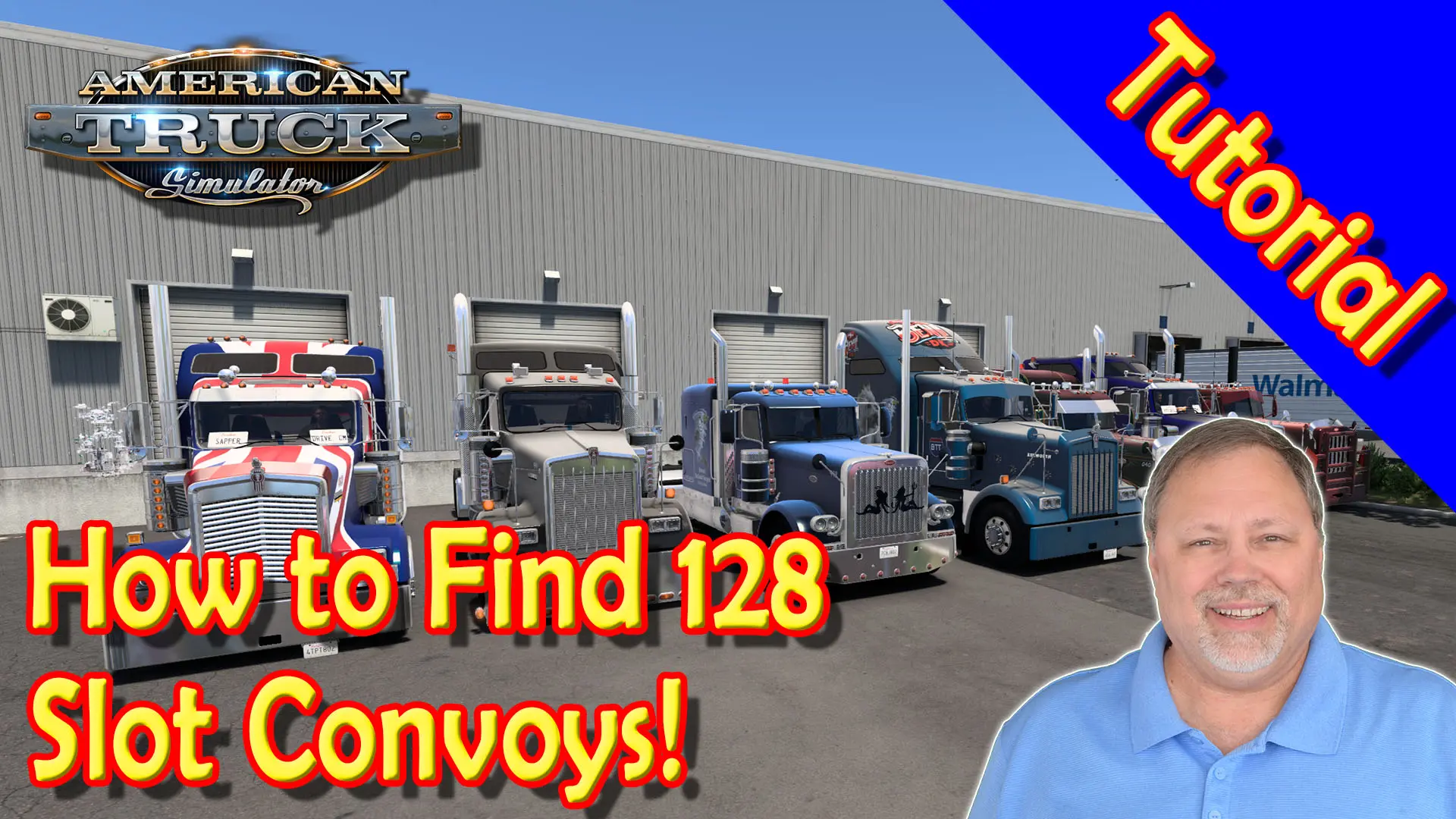
How To Find 128 Player Servers in American Truck Simulator
Do you want to know how to find 128 player servers in American Truck Simulator? It’s easy to set up your game to do this and I’ll show you how in this video.
Steps:
1. Find your American Truck Simulator config.cfg file – located by default under Documents/American Truck Simulator
2. Make a backup copy: right-click on file and select Copy, then right-click within current folder and select Paste
3. Open using Notepad: right-click on file and select Open with Notepad
4. Search for command line to edit: CTRL + F and type convoy in search field
5. Change uset g_max_convoy_size “8” to uset g_max_convoy_size “128“
6. Save and close the file
7. Launch American Truck Simulator and open the Convoy Lobby to search for servers with up to 128 slots
Watch the tutorial video How To Find 128 Player Servers in ATS
Our Convoy Servers
American Truck Simulator

Euro Truck Simulator 2




About the Author: BoomerGamer

SHARE THIS STORY ANYWHERE YOU LIKE
SHARE THIS STORY ANYWHERE
BTT VTC August 2026 Results Boomer’s Trucknado Transport Virtual Trucking Company (BTT VTC) had another great month in August 2026, especially in Euro Truck Simulator 2 where we finished 55th overall on TrucksBook
Boomer's Trucknado VTC July 2026 Results Boomer’s Trucknado Transport Virtual Trucking Company (BTT VTC) had another great month in July 2026, especially in American Truck Simulator where we finished well within the top
The 2026 All-Europe Challenge has Launched! The 2026 All-Europe Challenge Launch is officially here, and Boomer's Trucknado Transport VTC drivers are hitting the road for the biggest run of the year. The challenge